





The [Card's write protect switch is set to lock] message appears on the screen
Solution
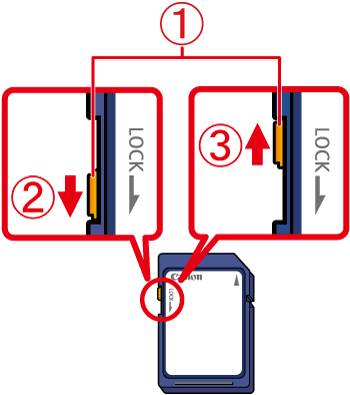
The SD memory card, SDHC memory card, SDXC memory card or Eye-Fi cards have a write-protect switch.
If the Write Protect switch is in the locked position, the following screen appears.
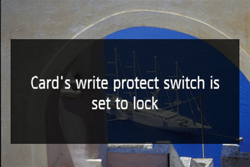
If [Card's write protect switch is set to lock] appears on the LCD Monitor of the camera,  the Write Protect switch of the memory card being used is in the
  locked (downside) position, so you cannot capture or delete images.
the Write Protect switch of the memory card being used is in the locked (downside) position, so you cannot capture or delete images.To unlock the tab, slide  the Write Protect switch of the memory card upward.
the Write Protect switch of the memory card upward.